
GSEB SSC 10th Result 2026: The GSEB 10th Result 2026 for the Secondary School Certificate (SSC) exams held from February 26 to March 18, 2026, is expected to be released in the first or second week of May 2026. Students can check their results on the official website gseb.org using their six-digit seat number.
tudents will be able to check their marks using their seat number through online mode, SMS, and WhatsApp services. The result will include subject-wise marks, total score, grade, and qualifying status. Around 7–8 lakh students are expected to access the result this year, making it one of the most awaited board announcements.
GSEB HSC 12th Result 2026 Date, Scorecard Download Link & Passing Marks
GSEB SSC 10th Result 2026 Overview
| Details | Information |
|---|---|
| Board Name | Gujarat Secondary and Higher Secondary Education Board (GSEB) |
| Exam Name | SSC Class 10 Examination 2026 |
| Result Mode | Online (Website, SMS, WhatsApp) |
| Article Category | Result |
| Official Website | https://www.gseb.org |
GSEB SSC 10th Result 2026 Expected Date
| Year | GSEB 10th (SSC) Result Date |
| 2026 | first or second week of May 2026 |
| 2025 | May 12, 2025 |
| 2024 | May 11, 2024 |
| 2023 | May 25, 2023 |
| 2022 | June 6, 2022 |
How to Check GSEB SSC Result 2026 Online with Seat Number?
Students can check their 10th result 2026 Gujarat Board using below steps:
- Visit GSEB result website – gseb.org
- Click on GSEB SSC Result 2026 tab
- Enter 7 digit seat number
- Click on submit
- Download and save GSEB SSC marksheet 2026.
Steps to check GSEB Result 2026 through WhatsApp
- Step 1: First of all, save GSEB’s official WhatsApp number 6357300971 in your phone’s contact list.
- Step 2: Now open the WhatsApp app on your phone and open the chat box with this new contact you saved.
- Step 3: Type your 6-digit HSC seat number in the chat box and send the message.
- Step 4: Within moments of sending the message, the board will send you a message with your marks and result status (pass or fail).
How to Check GSEB Result 2026 via SMS
Students can also check results through SMS:
- SSC (Class 10):
TypeSSC <Seat Number>and send to 56263.
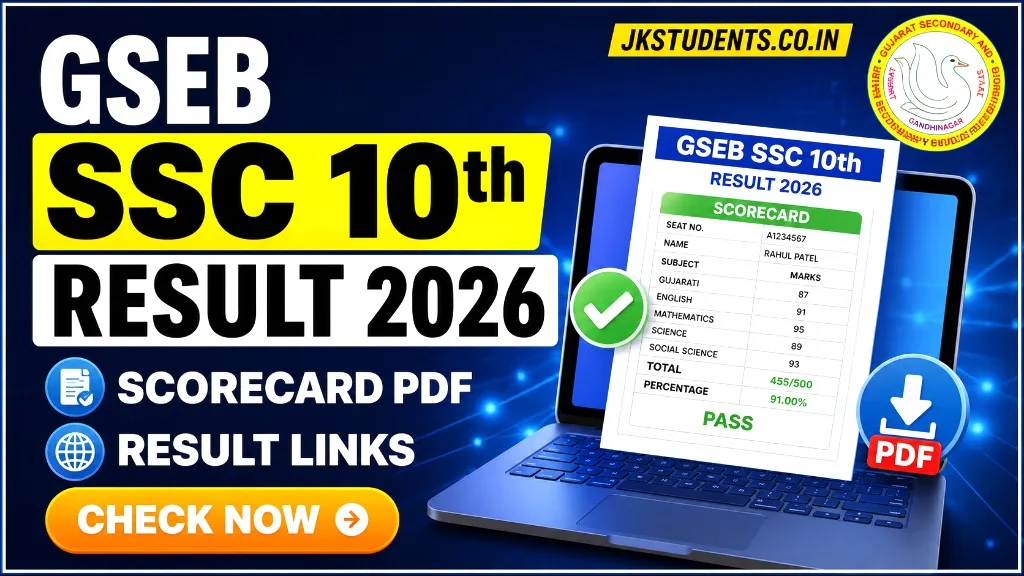
Details Mentioned on GSEB Marksheet 2026
- Student Name
- Seat Number
- Subject-wise Marks
- Total Marks
- Result Status (Pass/Fail)
first or second week of May 2026
seat number